Description
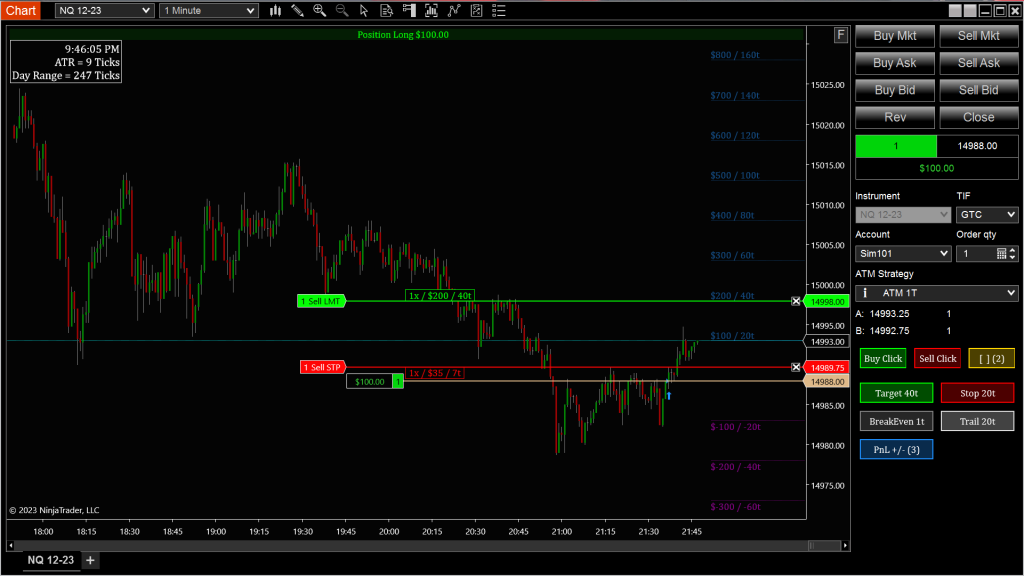
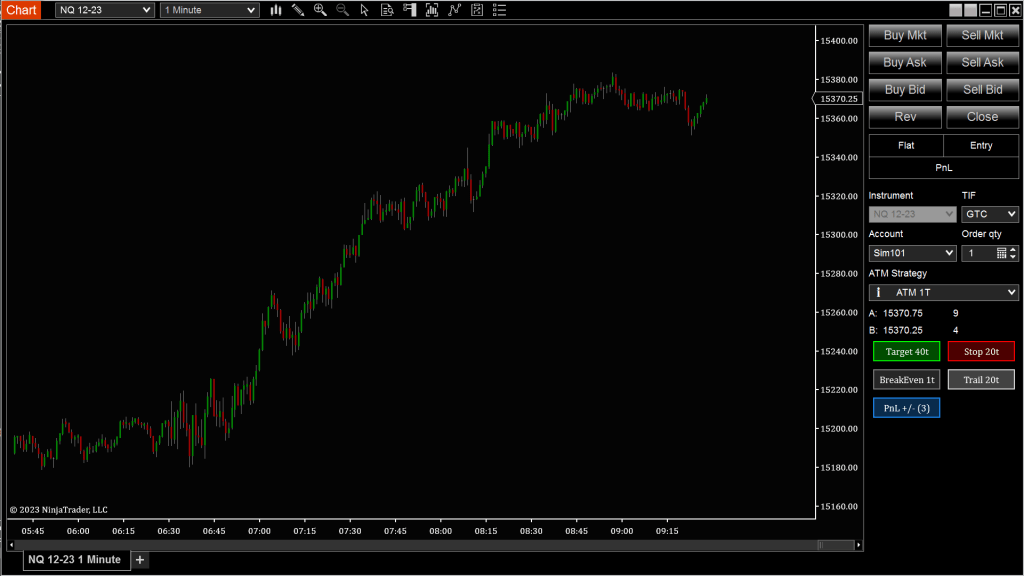
Managing trades manually can be stressful, especially when markets speed up. The Position Manager gives you a way to shift your stop, adjust targets, or move to breakeven with a single click. You define the logic in advance—how much room, what conditions—and the tool handles the rest.
Whether you’re scaling out, trailing a stop, or locking in profits, this gives you a structured, reactive way to do it without second-guessing.
Tip: Set your breakeven offset to give the trade a little room to breathe. Moving it too tight too soon can cut you out of good moves.
Advanced Trade Management Controls
Target Goal / Max Stop
Quickly adjust your targets and stops from the average fill price.
- Measured in Ticks or Currency
BreakEven
Move target or stop to breakeven with optional offset
- Keeps your trade risk-free after price moves in your favor
Trail
Automatically trail your stop based on max unrealized profit
- Measured in Ticks or Currency
Commission
Choose to factor commissions into your calculations for precision
PnL Levels
Visualize Profit and Loss zones:
- Increments: Ticks or Currency
- Level Count: Choose how many levels to display
Bracket Lines Display
Customize bracket visuals:
- Full Chart, Trade Length, Right Margin, or None
 Pyramid Indicators