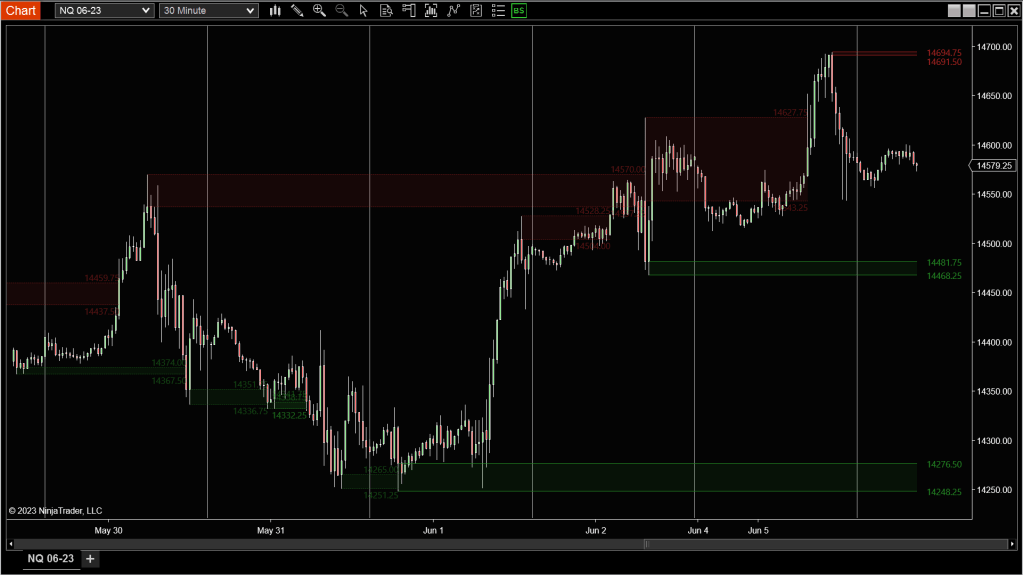
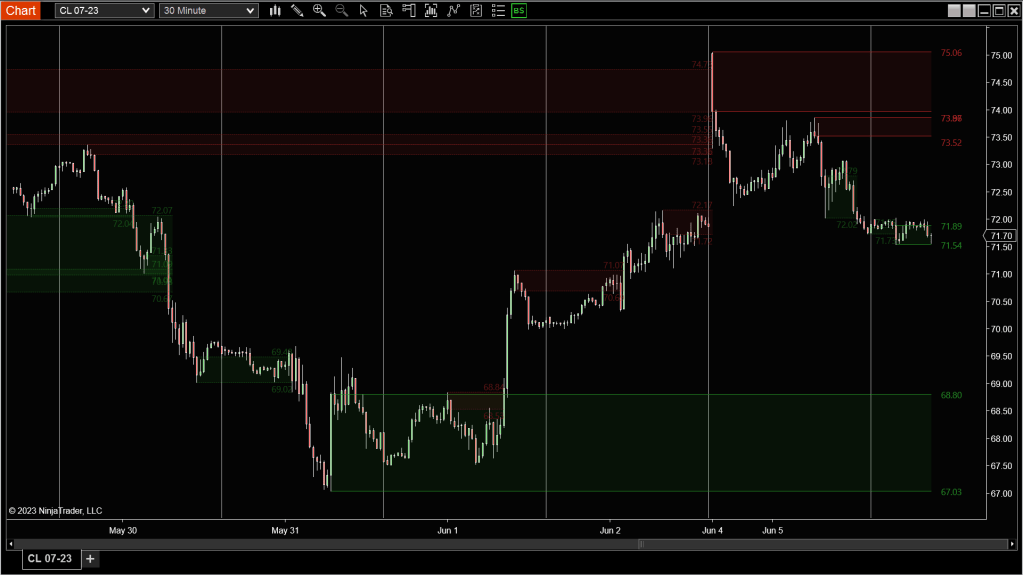
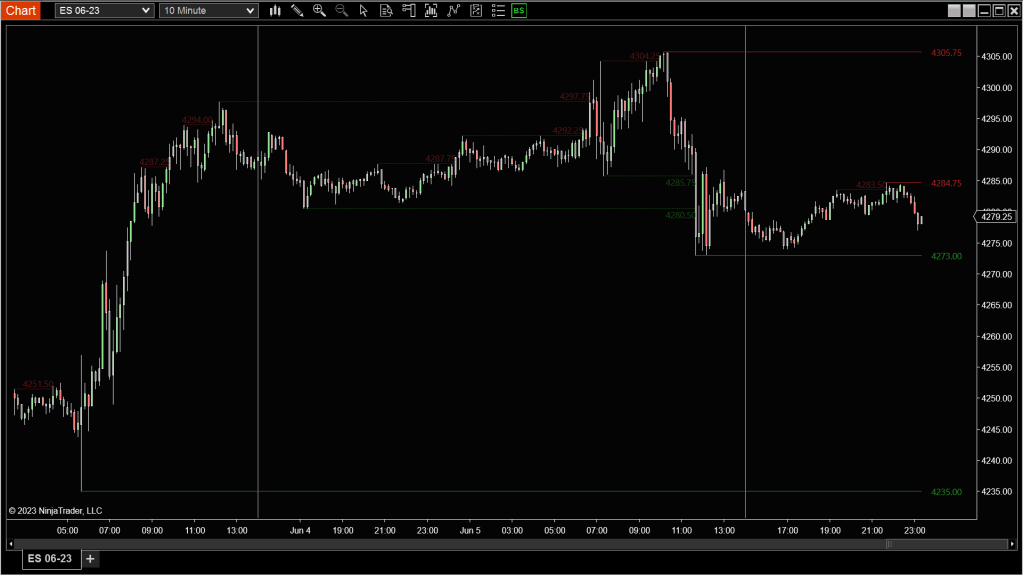
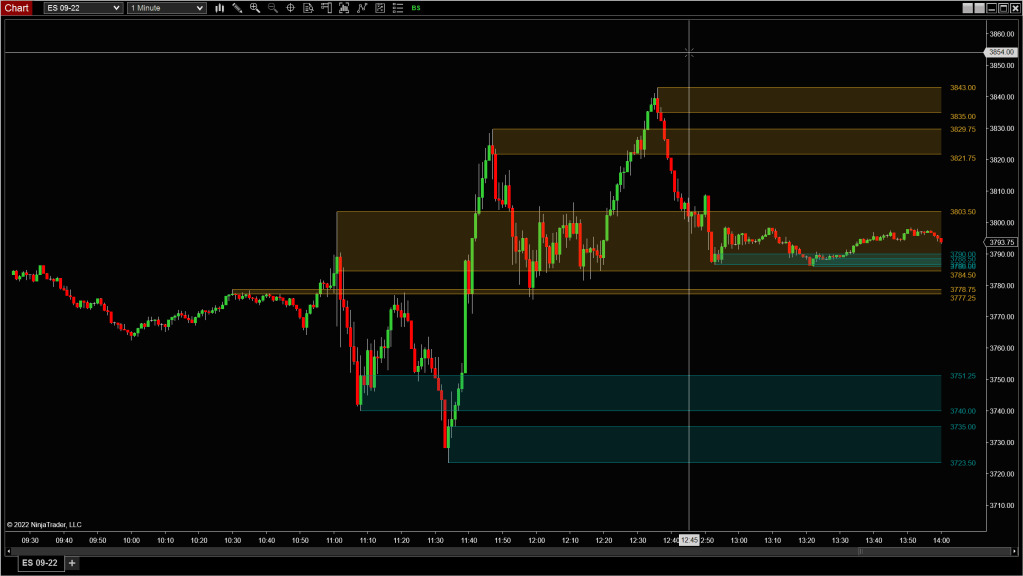

Description
Markets speak in swings—higher highs, lower lows, and everything in between. Binary Swing helps you isolate those key turning points with precision by detecting confirmed swing highs and lows based on a fixed bar count before and after the pivot.
Once confirmed, the tool allows you to project zones from each swing—whether it’s the wick, body, or a percentage of the candle—so you can visualize support and resistance levels that are truly tied to structure. These zones can remain active indefinitely or disappear once broken, depending on how you want to frame the market.
Tip: When price revisits a swing zone from the opposite side, it often tells a story—are we respecting structure, absorbing it, or blowing through it with conviction? Watch what happens there. That’s where the edge lives.
Swing Detection Settings
Forward Period
- Number of bars that must print after the swing point to confirm the pivot
💡A larger value waits longer to confirm, reducing false swings but adding lag.
LookBack Period
- Number of bars scanned before the swing point
💡Helps define how far back to search for the high or low forming the swing.
Zone Type (Display Options)
Customize how the swing zone is drawn:
- SingleLines – Line drawn at the High (for swing highs) or Low (for swing lows)
- RangePercent – Zone sized as a percentage of the pivot bar’s full range
- Wicks – Uses only the wick (high-to-close for swing highs, low-to-open for swing lows)
- Body – Focuses only on the candle body
- OpenClose – Includes both body and wick on one side, excluding the wick on the opposite side
💡For precise rejection setups, use Wicks or SingleLines. For broader absorption or liquidity zones, try RangePercent or OpenClose.
Zone Behavior Settings
No Break
- True: Extends swing zones indefinitely
- Optional limit on the number of zones shown to reduce clutter
- False: Zones remain active until price breaks through
Break Type
- OnFirstTouch: Zone is removed as soon as price touches it
- FullBreakout: Zone is removed only if both the high and low of the zone are broken
💡If you want to monitor reaction rather than absorption, use OnFirstTouch. For full break confirmations, go with FullBreakout.
Alerts
Get notified when price tests or breaks a swing zone
Enable Alerts on Zone Touch
 Pyramid Indicators